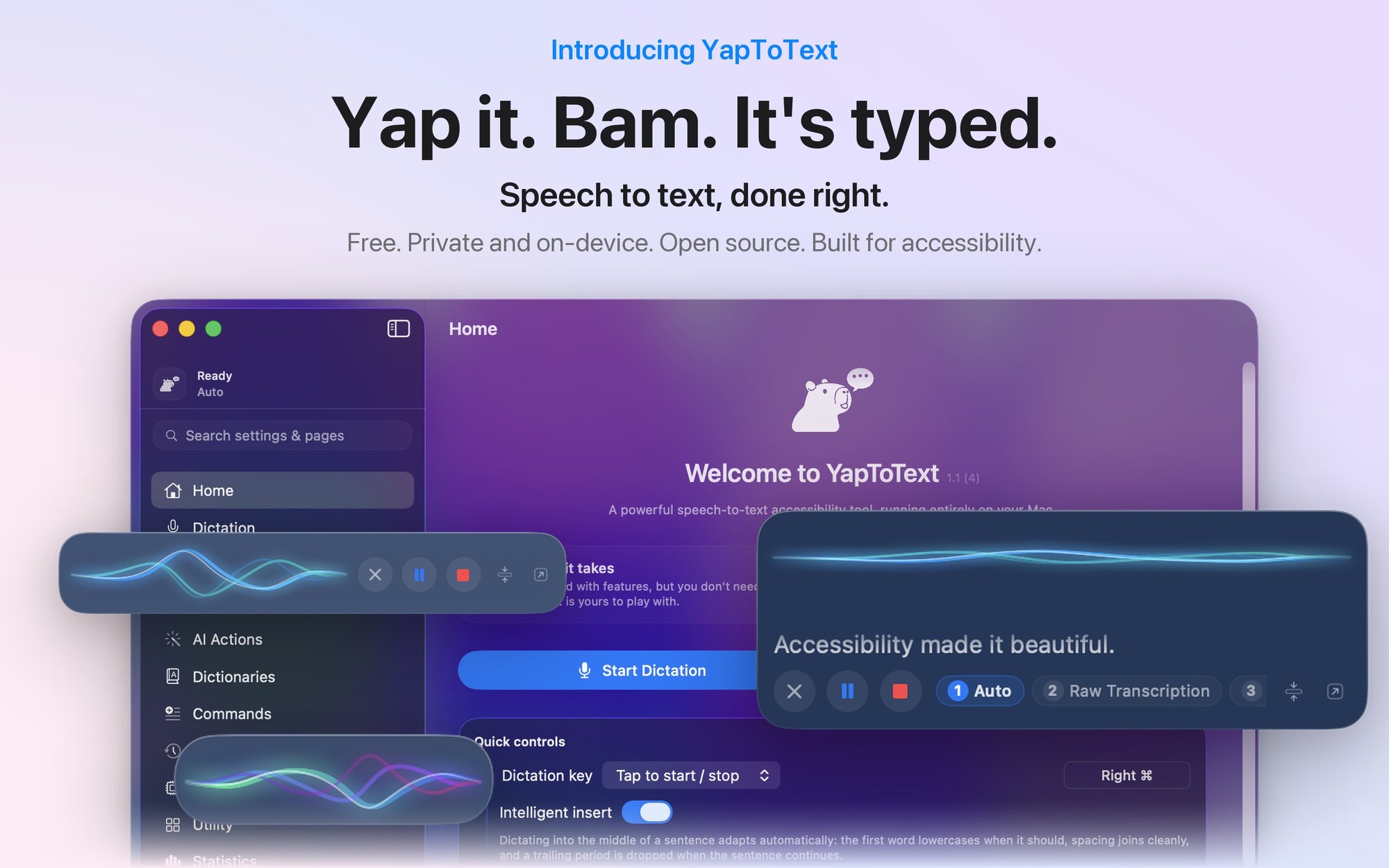
YapToText: Dictation That Never Leaves the Machine
July 20, 2026, updated August 2026 | Projects, Accessibility, Engineering
My hands are not what they used to be. The same condition that put me in a wheelchair also causes atrophy in my hands and wrists, which means long typing sessions cost me something. Not dramatically, not all at once, but by the end of a heavy writing day I feel it.
There is good dictation software for the Mac. Most of it is a subscription, and most of it sends your voice to somebody else's server. I did not want to rent my own voice, and I did not want my dictation leaving the machine. So I built YapToText. It is free on the Mac App Store, and this post is the long version of how it actually works, because the interesting parts are all under the hood.
The Pipeline
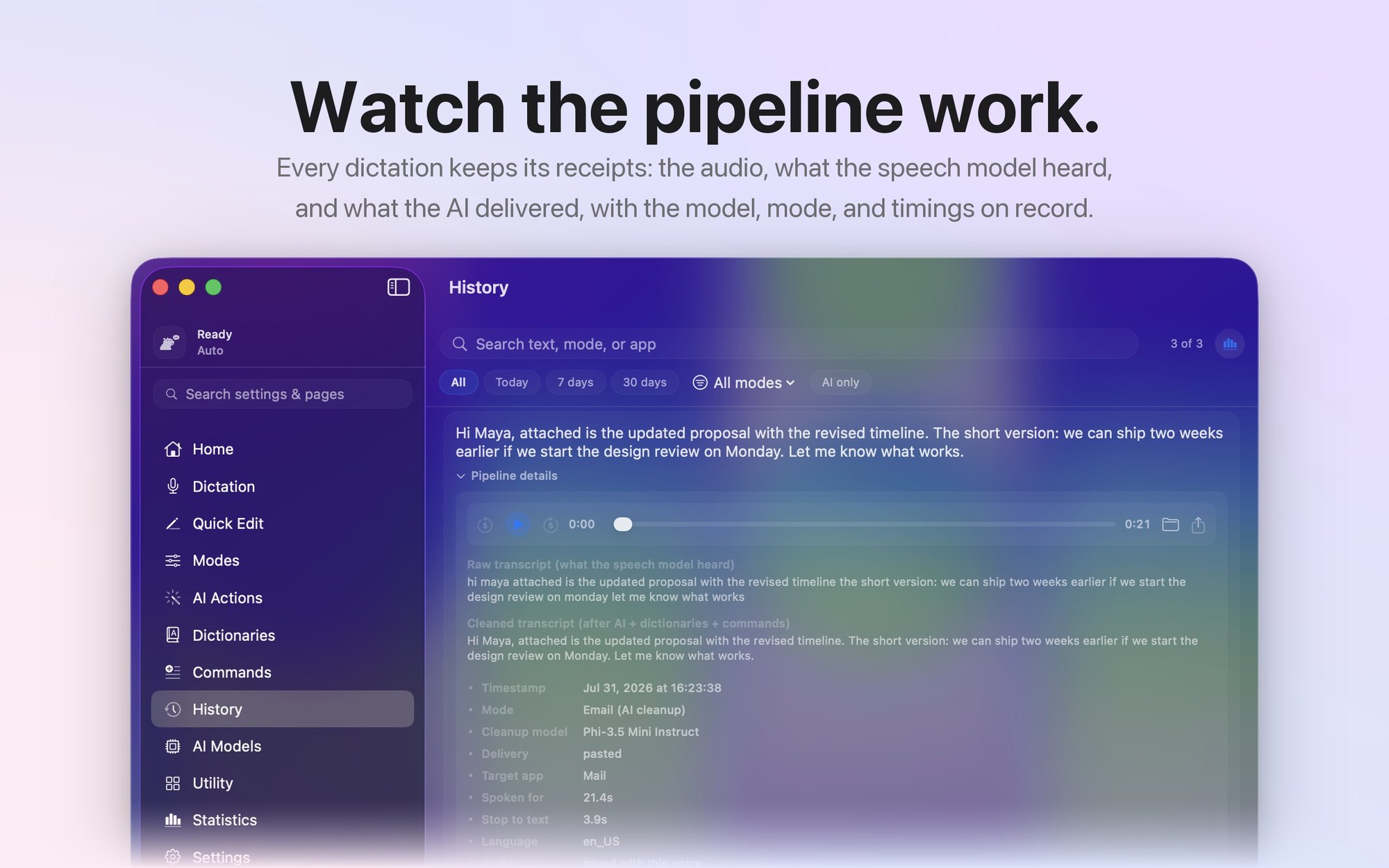
You press a key, you talk, and text appears in whatever app is in front of you. Between those two moments there is a full local speech stack: audio capture and conditioning, a Whisper model doing the transcription on the GPU, a small language model doing cleanup, a pile of guards keeping both of them honest, and a text insertion layer that has to work in apps that never anticipated dictation. Here is the whole thing at a glance.
Winning the First Word
The hardest audio problem in a push-to-talk app is not sound quality. It is the first half second. People start talking as they press the key, sometimes slightly before, and CoreAudio takes real time to wake a suspended input stream. Early versions lost the opening words of nearly every dictation: the logs showed the first few audio windows arriving at near-silence while the hardware spun up, and then normal levels right as the sentence was already underway.
The fix has three layers. The microphone tap is installed once and left resident, because installing a tap on a cold input stream is exactly what costs you that wake-up delay. While the app is idle, incoming buffers go into a half-second pre-roll ring, so audio from just before the key press is already sitting there when a session starts. And while the speech session arms itself, a gate keeps collecting buffers so nothing is dropped during warm-up. Capture first, initialize second. The first words of a dictation are the ones you cannot ask someone to repeat, because by the time they notice, the moment is gone.
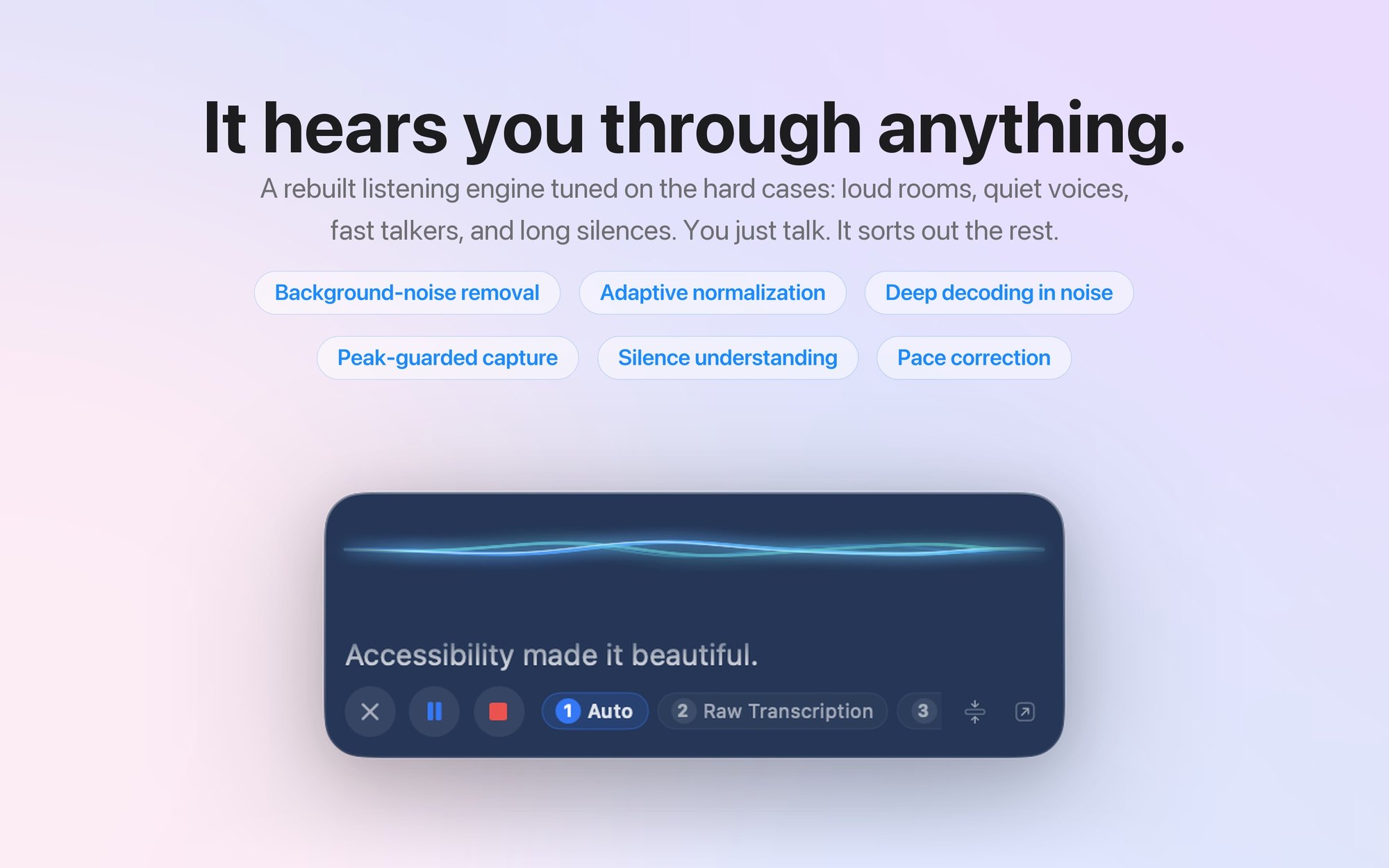
Levels get the same care. An automatic gain stage targets a fixed speech level with separate attack and release rates, and the converged gain is remembered across launches so your first dictation of the day is not quiet. Past the gain stage sits a soft-knee limiter, linear until 0.85 of full scale and then a tanh curve above it. The first version was a hard clamp, and a hard clamp on loud speech produces square waves. Whisper heard a full sentence through it and transcribed one word.
My favorite bug in this stage involved Apple's own hardware. The M-series mic array reports three channels, and AVAudioConverter will happily accept a three-channel buffer, report success, and write pure zeros. The app now copies channel zero into a mono buffer itself before the converter is allowed anywhere near the audio.
The Models, and Why These Ones
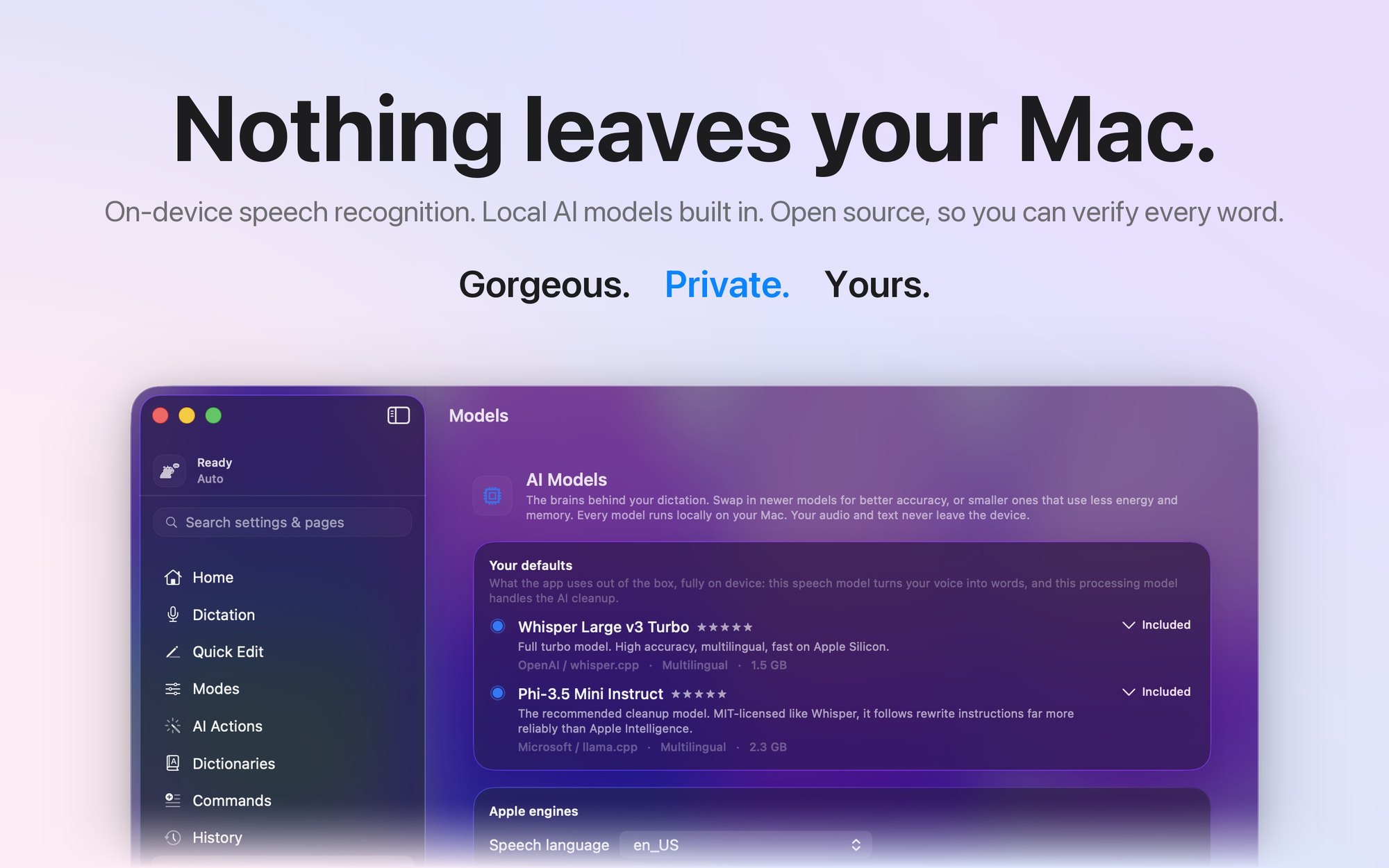
Two models ship inside the app bundle. Transcription is Whisper Large v3 Turbo, the full unquantized weights, 1.6 GB. Cleanup is Phi-3.5 mini instruct in a 4-bit K-quant, Q4_K_M in GGUF form, 2.4 GB. Both run through the same vendored ggml stack, whisper.cpp with llama.cpp grafted in beside it, compiled with Metal, Accelerate, and flash attention, so everything executes on the Apple Silicon GPU.
Quantization is the lever that makes this practical. The cleanup model in full precision would be over 7 GB; at 4 bits per weight with the K-quant scheme keeping the important tensors at higher precision, it drops to 2.4 GB with barely measurable quality loss on a rewriting task. Transcription is less forgiving, so the default Whisper stays unquantized, but the app carries a whole catalog of alternatives, from a 75 MB tiny model up to the 3.1 GB Large v3, including 5-bit and 8-bit turbo variants. On battery it can automatically drop from the full turbo model to the 574 MB 5-bit one, and per-mode overrides let a quick note mode run lighter than a long-form writing mode.
Getting 3.8 GB of weights into a Mac App Store bundle without doubling every build was its own small adventure. The build copies models with APFS clonefile, so the "copy" is instant and costs no disk, and it happens before code signing so the signature seals the weights too. Debug builds skip the copy entirely, because nobody wants to re-sign 3.8 GB on every compile.
Decoding Is Not One Pass
A naive Whisper integration transcribes the clip and returns whatever comes out. Real microphone speech deserves better, so the decode is adaptive. The app estimates the clip's signal-to-noise ratio from the loudest and quietest hundred-millisecond windows, and anything below 18 dB, which is where most built-in-mic dictation actually lives, gets a beam search with five beams instead of greedy decoding. Clipping is checked separately, because clipped audio measures as high SNR while being garbage.
That 18 dB threshold has a story. It started at 12, and live logs showed real dictation landing at 12 to 16 dB, which meant the careful decoder almost never ran and words were being dropped in exactly the conditions it was built for. Studio speech sits at 25 to 40 dB. The gate moved to where the users are.
After the first pass, two rescue passes can fire. If the transcript looks too short for the amount of active speech, the audio is re-run with extra gain, and the result is only adopted if it recovers more words. If the speech rate measures implausibly fast and the coverage looks short, the audio is time-stretched by 22 percent and tried again. Both rescues decode greedily on purpose. They are a speculative second opinion, not a second authority.
Long recordings get segmented around 4 minutes, and the cut points are chosen by walking the energy windows and finding the quietest moment near each target boundary, so a segment never ends mid-word. One segment is alive in memory at a time, which means an hour-long ramble costs the same peak memory as a short one. And there is a whole family of hallucination filters, because Whisper fed near-silence will cheerfully produce "Thanks for watching!" The filters know the greatest hits, strip bracketed sound captions like sad music out of the middle of sentences without touching the words around them, and catch repetition loops, with a carve-out so a real "no, no, no" survives.
One optimization is documented in the code as a warning to future me. Shrinking the encoder's audio context roughly doubled short-clip speed on synthetic benchmarks, shipped, and within minutes was producing fragmented word salad on real speech. It got reverted the same day, with a comment saying do not try this again without an accuracy harness over real recordings. Benchmarks lie. Microphones do not.
The Cleanup Brain
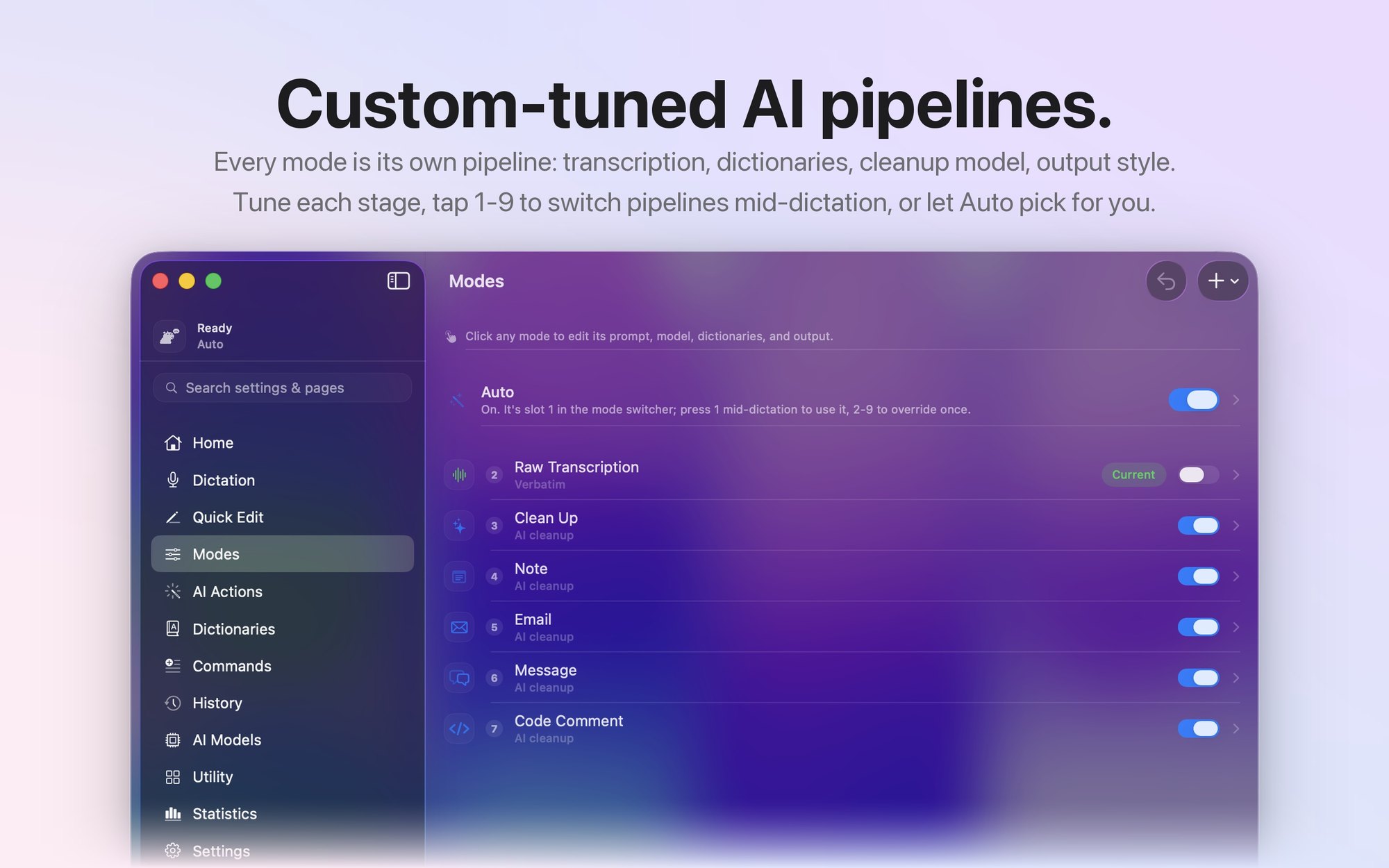
Raw transcripts are honest but rough. Modes are what turn them into finished text: an email mode, a note mode, a message mode, a code comment mode, each one a different rewrite instruction over the same machinery. You can switch modes by pressing a number key while you are still talking.
Building this taught me the fundamental problem of small local language models: they will answer your dictation instead of formatting it. Dictate a question and a naive setup replies to you. The defense is layered. The prompt is built in three parts, with a guardrail system prompt that explicitly declares the transcript to be data rather than a request, then the rewrite rule, then the transcript itself, fenced and labeled. The same prompt structure feeds whichever brain is available: a GGUF model through llama.cpp on any Mac, or Apple Intelligence's on-device model on macOS 26 when it is enabled, with automatic fallback so cleanup works everywhere with zero Apple dependency.
Prompts alone are not enough at 3 billion parameters, so behind the model sits a sanitizer that has seen things. It strips assistant preambles, markdown the model was told not to produce, placeholder tokens like your name in brackets, signatures where the model signed the recipient's own name back to them, echoed prompt fragments, and trailing commentary about how it hopes this helps. There is even a specific fix for the model appending the name of the destination app to the end of an email, which is exactly as strange to debug as it sounds. If the output trips enough tells, the app throws it away and delivers the raw transcript, because a slightly rough transcript beats an app that invents an answer you never said.
Auto mode picks the pipeline for you with an escalation ladder that spends as little as possible: first a regex for trailing spoken directives like "make that formal," then a microsecond text heuristic, then a bias from what app you are dictating into, and only if all of that is still ambiguous, a single one-word model call.
The One Missing Flag
The best bug in the project was invisible for a full release. Whisper and the cleanup model share one compiled ggml stack. Whisper worked perfectly. The moment llama.cpp tried to load any GGUF, the app segfaulted, and I shipped a version with AI cleanup disabled while believing the two libraries had drifted incompatibly.
The real cause was one missing compile flag. Without GGML_USE_CPU, the CPU backend never registers itself in ggml's device registry. Whisper never noticed because it does not consult the registry. Llama's loader does, asked the registry for the CPU device, got a null pointer, and died. One define, and a feature I had written off as a deep incompatibility came back from the dead. I keep the explanation as a comment in the build file now, right where the flag lives, so nobody, including me, ever deletes it casually.
Making It Feel Instant
Latency work is where the app went from functional to invisible. The models are warmed in a deliberate ladder. Loading the Whisper context is not enough, because the first inference pays for Metal shader compilation, so warm-up runs a throwaway transcription over a second of silence. The cleanup model gets a real one-token generation against the actual guardrail prompt, which leaves that fixed prefix resident in the GPU's key-value cache exactly the way the first real cleanup wants it. Cold, cleanup costs about 1.4 seconds. Warm, 0.2.
The subtler win is that the cleanup prompt barely changes between dictations. About eleven hundred tokens of it are fixed instruction, and only your transcript at the tail is new. So instead of clearing the cache each time, the engine finds the longest common token prefix with the previous call, evicts only what diverged, and decodes just the new tail. That one trick removes about a second of prompt processing from every single dictation, which is most of the perceived wait.
Model loading overlaps with you. Pressing the key starts the 1.6 GB Whisper load in the background while you are still talking, so the load hides inside the dictation instead of stalling the stop. Memory is treated as borrowed: models unload after a configurable cooldown, the app listens for system memory pressure and evicts everything immediately when the machine is starved, and then refuses to eagerly reload for five minutes so it does not fight the system it just yielded to.
Typing Into Apps That Never Asked for This
Getting text into an arbitrary app from a sandboxed application is its own discipline. The default path synthesizes a paste: the transcript goes on the clipboard and a synthetic Cmd+V is posted at the HID layer, below the window server's filtering, which is why it works system-wide from inside the App Store sandbox. Synthetic keys even get a deliberate 8 millisecond width between down and up, because a zero-width keypress gets coalesced away by some apps' event loops. Real keys have width; fake ones need it too.
Your clipboard is sacred, so the app snapshots every item and every representation on it, concrete bytes and all, and restores the whole thing afterward. The restore waits a second and a half, not the obvious tenth of a second, because busy Electron apps read the pasteboard late, and restoring too early meant the paste sometimes landed as your old clipboard. In password fields, where macOS enables secure input and paste injection is off the table, it switches to typing the text directly in twenty-character Unicode chunks, which is the per-event limit and also the trick that lets emoji and non-Latin scripts survive.
With Accessibility granted, it goes further: it reads the text around your cursor and deterministically fixes the seams, lowercasing a mid-sentence capital, dropping a duplicate period, fixing the spacing. No model involved, just rules, which means it is fast and it never gets creative.
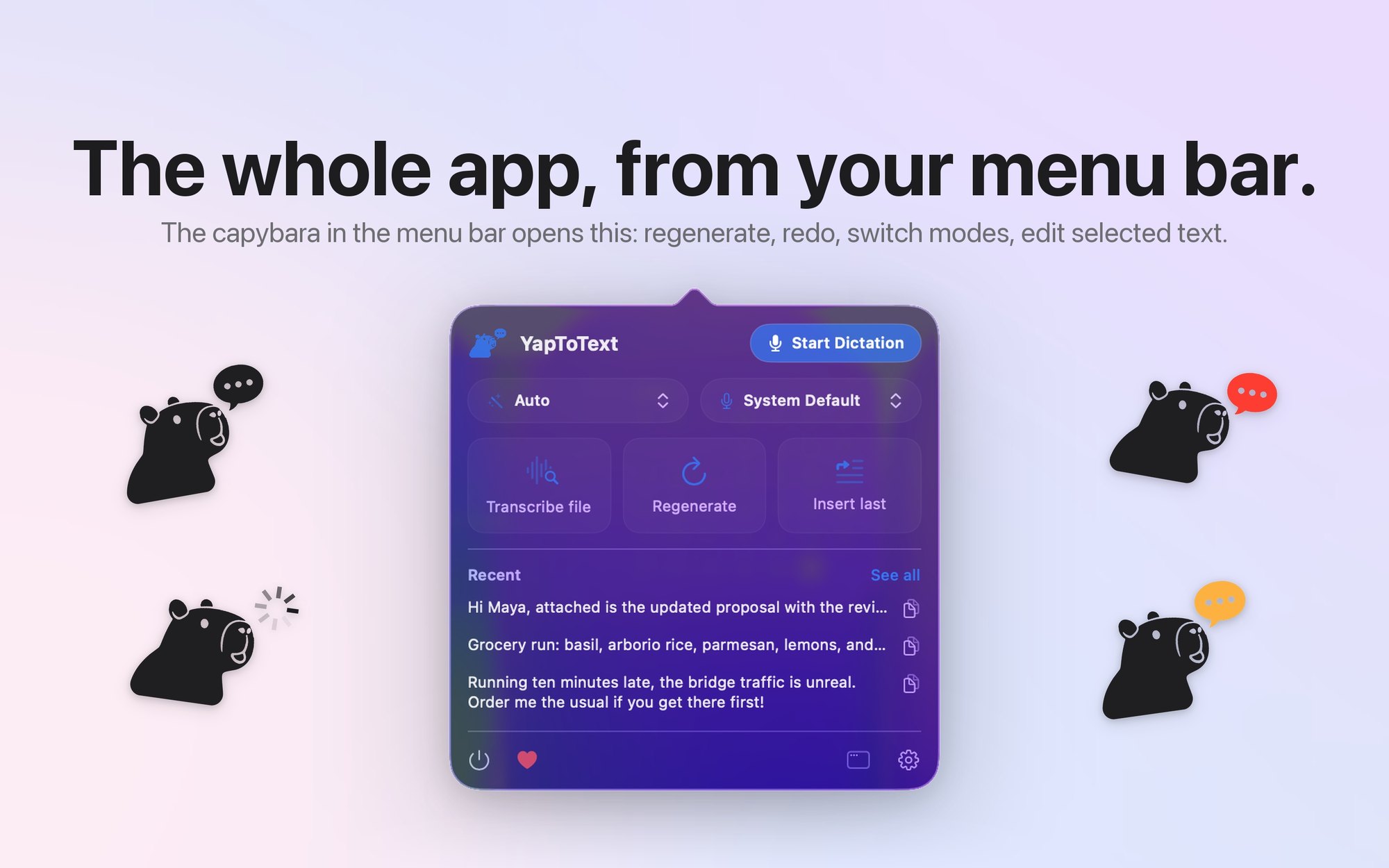
Even the floating panel has a war story. On macOS 26, SwiftUI's Liquid Glass renderer crashed under the high-frequency updates a live dictation produces. The fix was architectural: the panel runs two independent SwiftUI hierarchies stacked in one window, one that renders only the glass chrome and never updates during dictation, and one that renders all the live content with no glass in it at all. The glass renderer simply never executes inside a hot code path anymore, and the crash is gone without giving up the material.
Free, and Staying Free
YapToText is free. There is a tip jar for anyone who wants to leave something, and that is the entire business model.
I keep coming back to the same idea across everything I build. Accessibility tools get priced like specialty equipment because the people who need them do not have the option to walk away. That pricing logic is real, and it is also part of why so many disabled people go without. When the marginal cost of shipping software is zero, charging a subscription for the ability to talk to your own computer is a choice, not a necessity.
Written by Ryleigh Newman