CubeAura: Building the Mac App an Air Sensor Shipped Without
July 17, 2026 | Projects, Software
A while back I picked up an AirCube, a small open-source air-quality sensor that plugs into a USB port and streams readings over a serial connection. The hardware is genuinely good. What it did not come with was software worth looking at. You had a device measuring the air in your room and essentially no way to see what it was telling you.
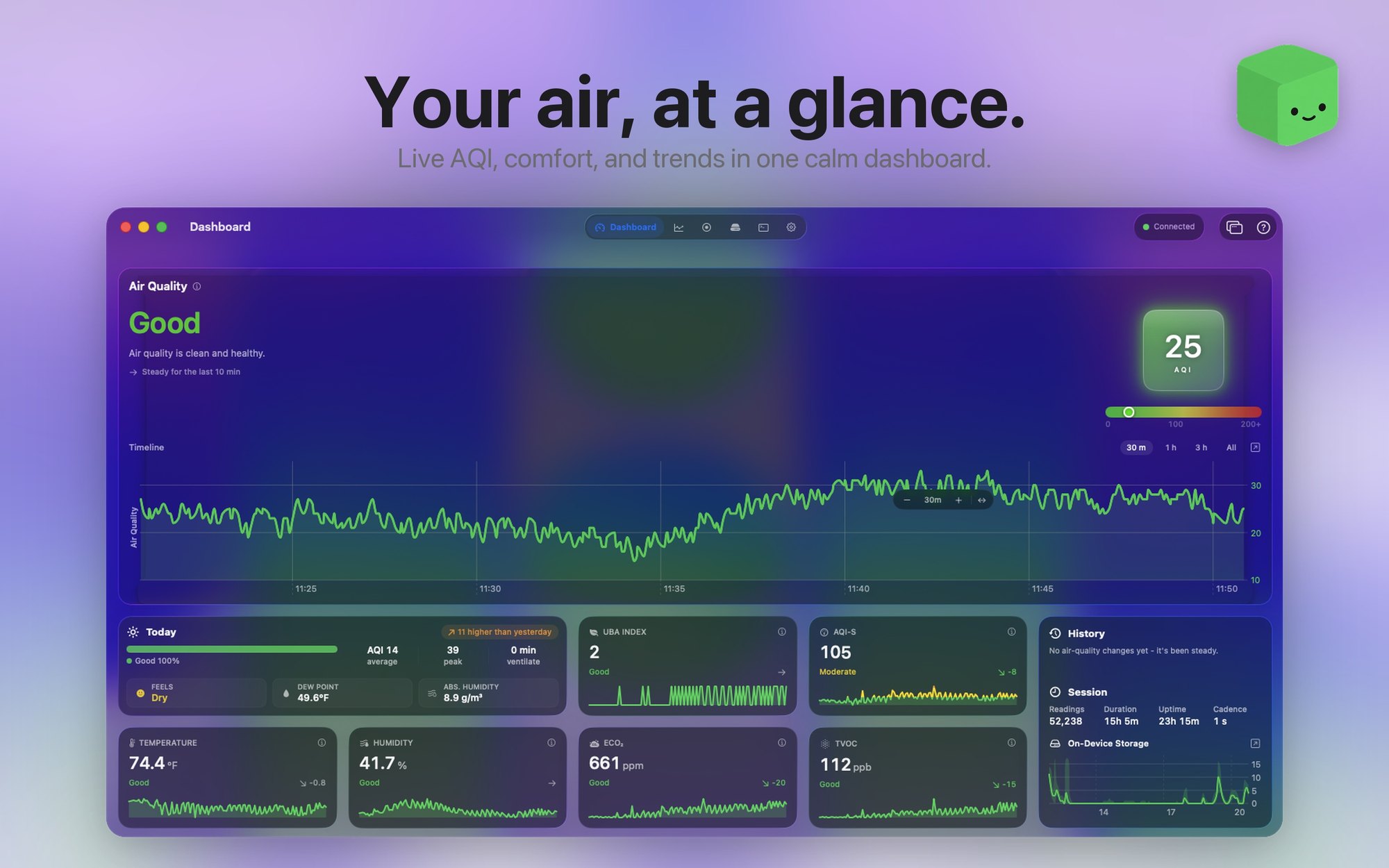
So I wrote one. CubeAura is a native Mac app that turns that stream of numbers into something you can actually read at a glance, and it is now on the Mac App Store.
Why a Sensor Without Software Is Just a Paperweight
Air quality is one of those things you cannot perceive until it is bad enough to give you a headache. Carbon dioxide climbing in a closed room, volatile compounds off a new piece of furniture, humidity drifting into the range where everything feels stale. None of it announces itself.
That matters more to me than it might to most people. I have a neuromuscular condition and I spend a lot of hours in one room at a desk. If the air in that room is quietly getting worse over an afternoon, I want to know before I feel it.
The raw device gives you exactly that data. It just hands it to you as a serial feed, which is not something you can glance at between tasks.
Reading a Serial Port, Politely
Under the hood the app talks to the device over a POSIX serial connection and reads whatever the cube emits, roughly once a second. It is bidirectional too, so the app can set the LED brightness, change how often the sensor samples, and pull or clear the readings stored on the device itself.
The part that took the longest was not reading the data. It was deciding what to do with it. A sensor that samples once a second produces an enormous amount of noise, and a dashboard that redraws every jitter is exhausting to look at. The goal became a calm app, not a busy one.
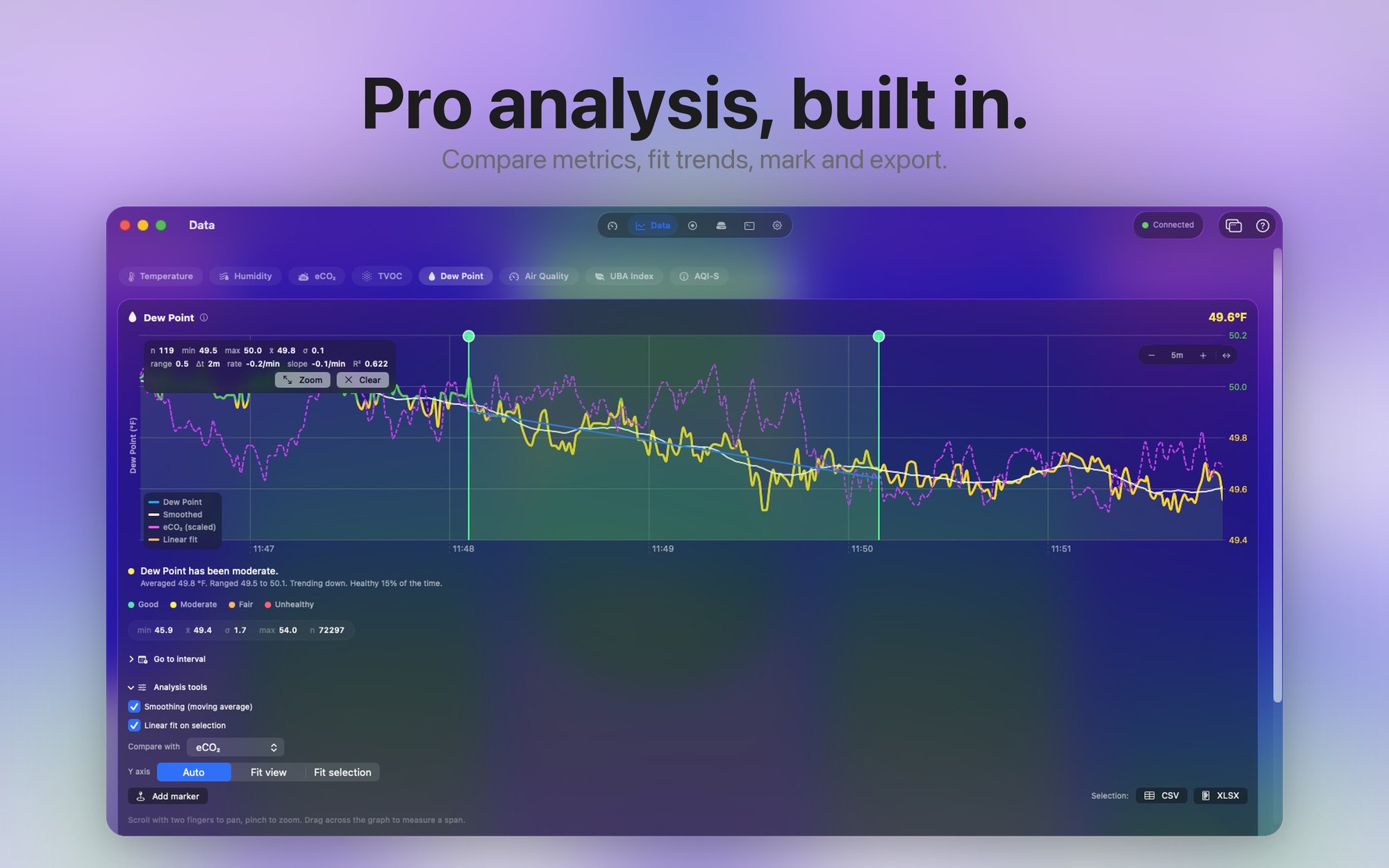
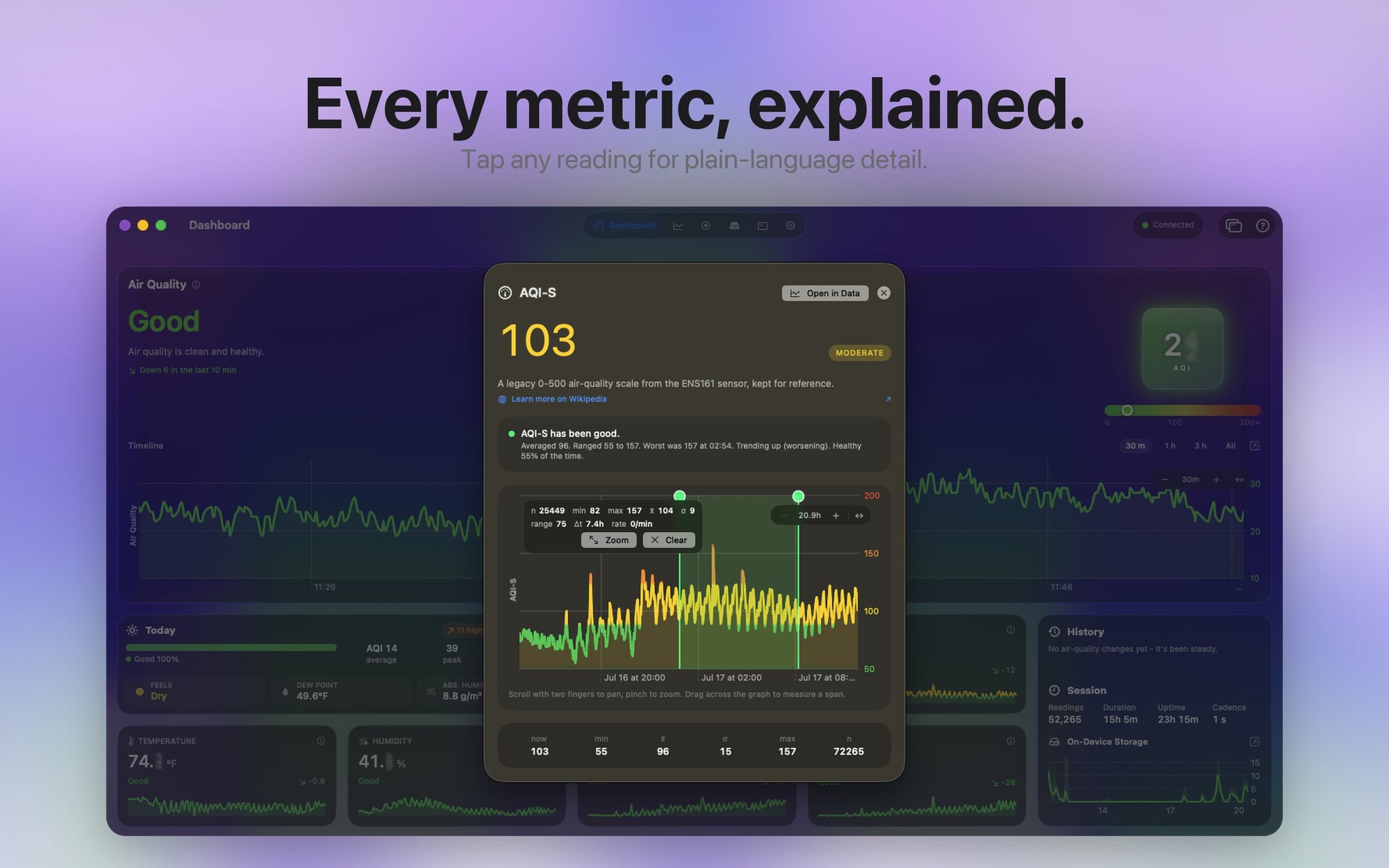
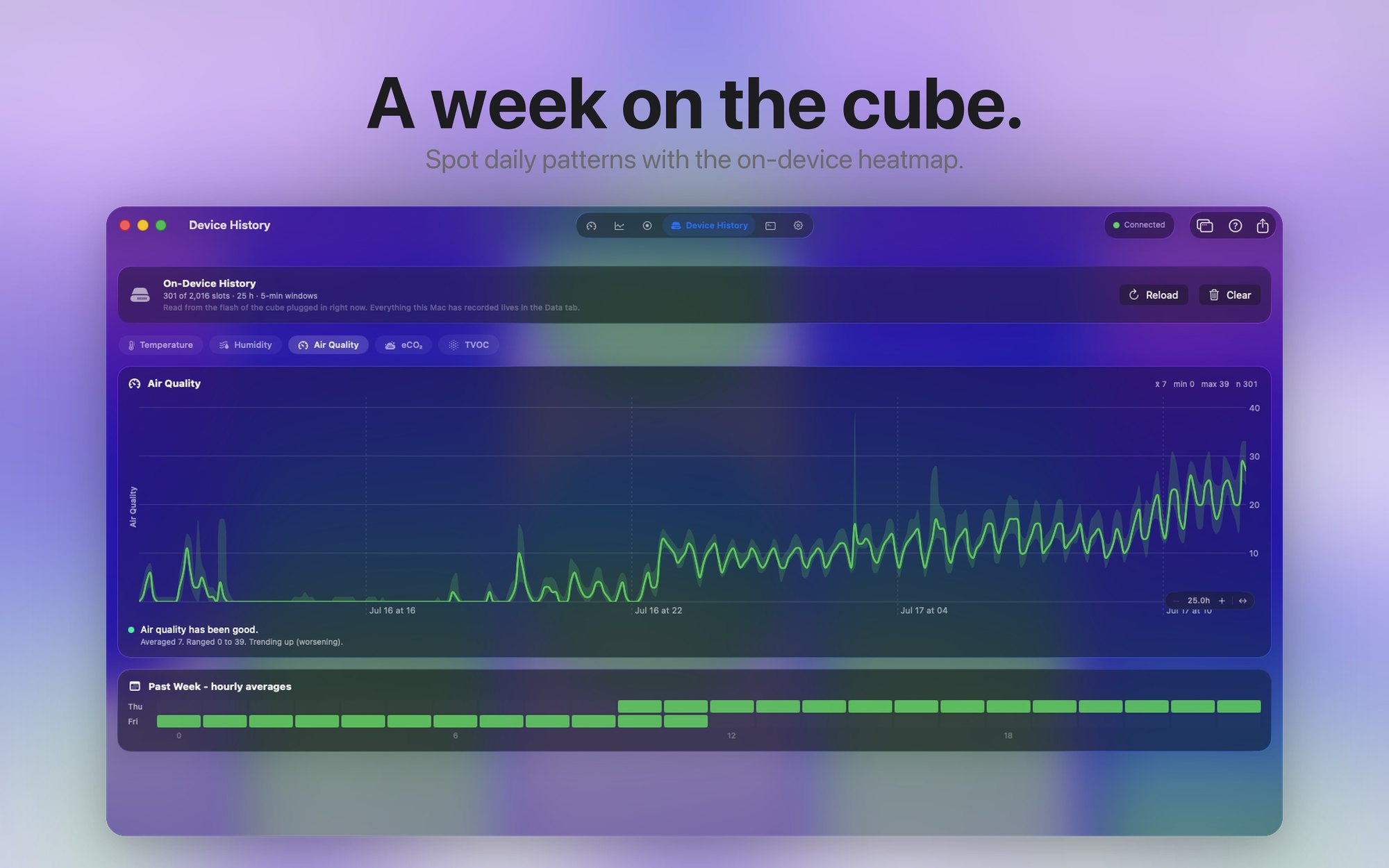
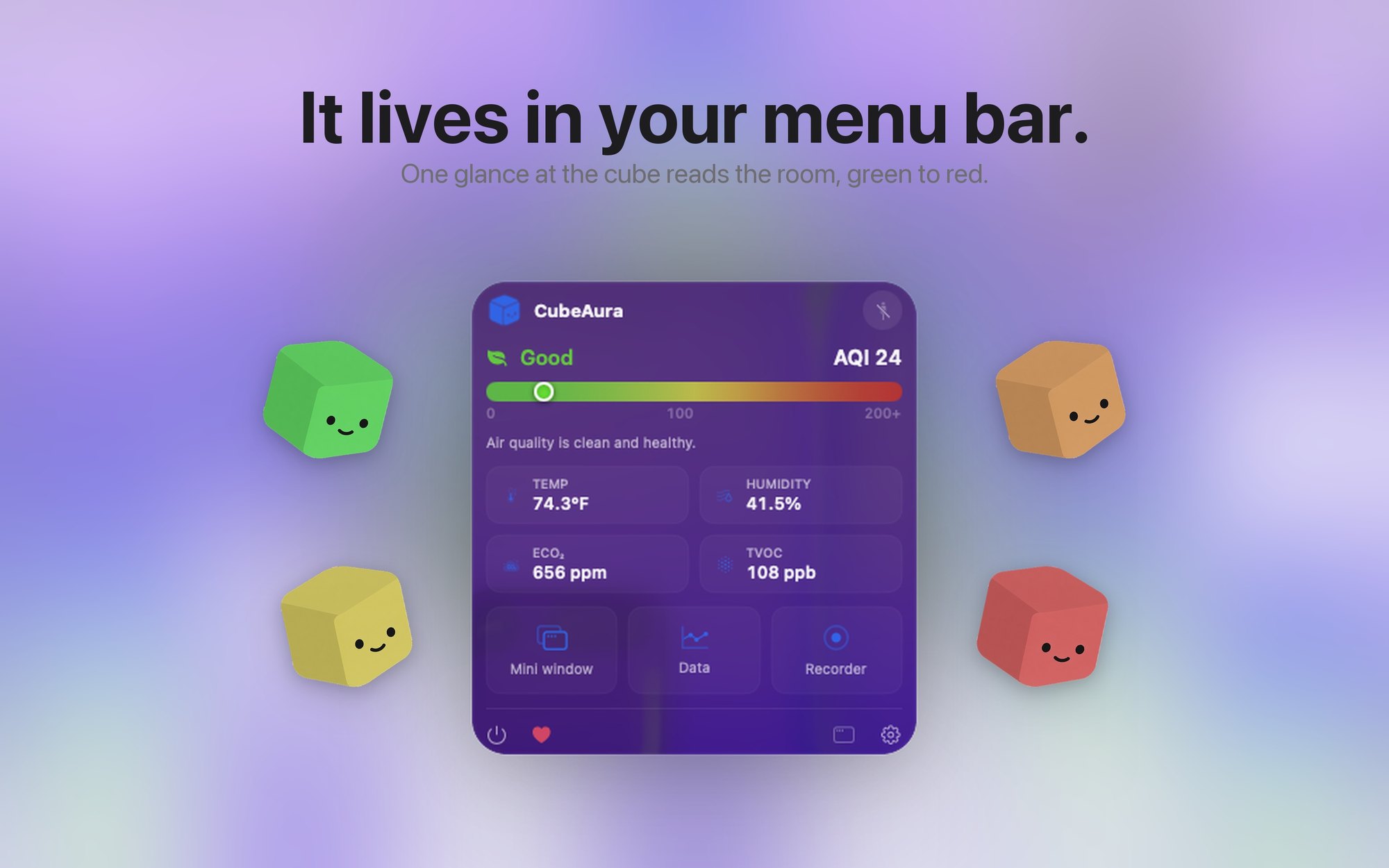
So readings get smoothed, the headline number gets a plain-language label instead of just a value, and the app tells you when something has been steady rather than shouting every time a digit changes. There is a week view for the slow patterns, a recording mode for when you want to capture a specific window, and a raw feed for when you want to see everything unfiltered.
Living in the Menu Bar
Most of the time I do not want a dashboard. I want a number in the corner of the screen that I can ignore until it changes. The menu bar extra does that, and it will open the full window when I actually care.
Getting It Onto the App Store
Shipping was its own education. The app is sandboxed, which meant proving that a sandboxed Mac app can hold a serial port at all. It can, with the right entitlement, and that turned out to be the thing standing between this being a personal tool and something other AirCube owners could install.
It is a universal build, it runs on Apple Silicon and Intel, and it is free with an optional tip jar. You can find it on the Mac App Store, and the source is on GitHub.
The broader point, and the reason this project sits alongside everything else I build: good hardware fails when nobody writes the software that makes it legible. That gap shows up everywhere in accessibility, and it is usually the cheaper half to fix.
Written by Ryleigh Newman